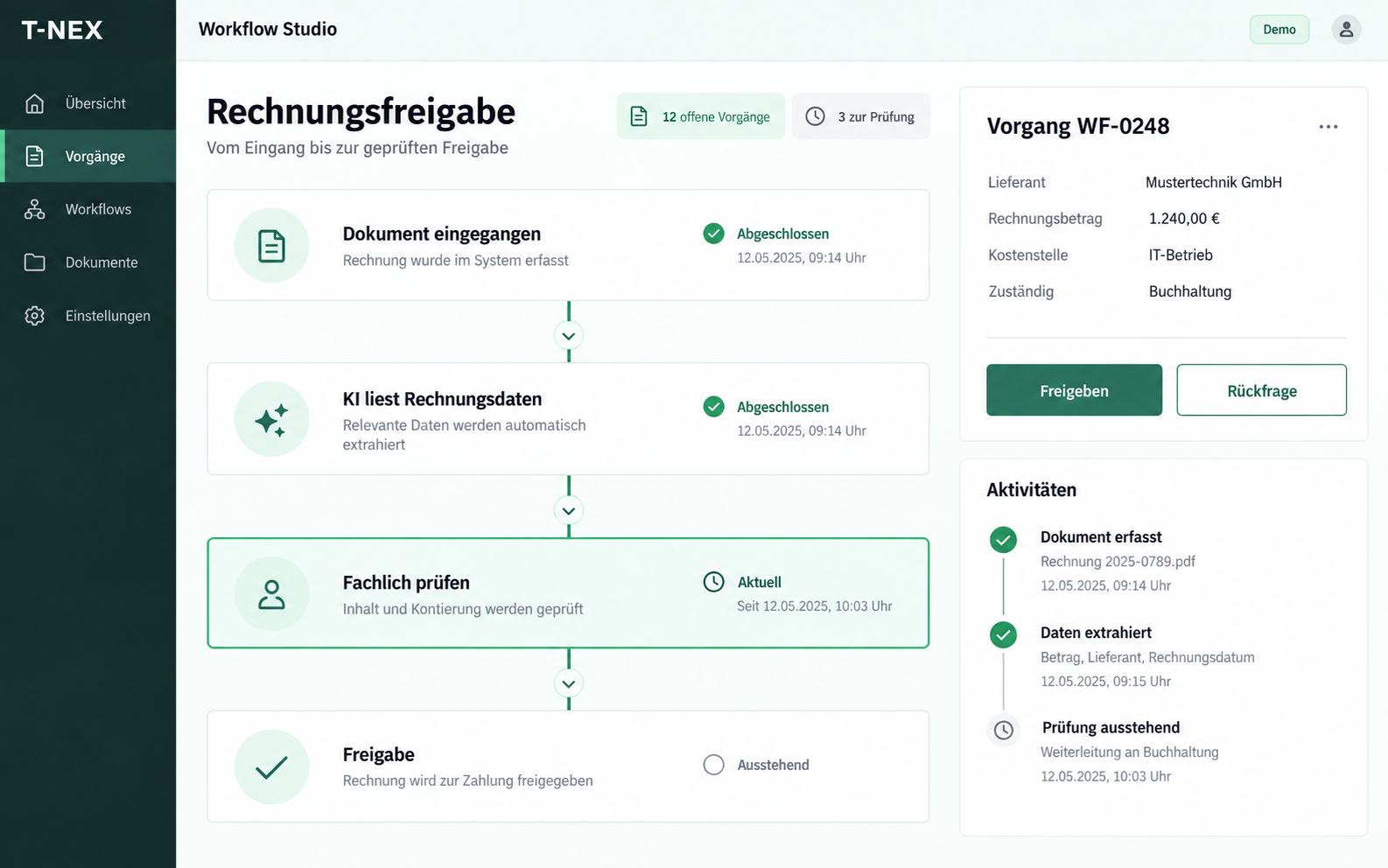
Workflow automation for companies
T-NEX develops custom workflows for requests and approvals, adapting existing components with suitable rules and evaluated AI steps.
Explore service
For an electrical inspection provider, T-NEX connected enquiries, quotes, orders and inspection documents in one central application. The team works from a shared project file and sees outstanding tasks and approvals. This reference is presented without naming the customer.
Aligned with your processes
Review quotations, set up orders and resolve questions about inspection reports: the project record connects the team’s working steps.
Bill-of-quantities items appear alongside their comparison basis. A suggestion is accepted into the draft only after review.
The rationale stays with the quotation item.
| Item | Quantity | Rationale | Status |
|---|---|---|---|
| Item A | 12 units | Price sheet · comparison item | For review |
| Item B | 8 units | Limited comparison data | Not accepted |
The checklist shows prepared information, open checks and required approvals. Staff can see what needs to be done before the next step.
Review and approval have clear owners.
Prepare information automatically
Manual review in the target system
Approval by the responsible role
Expected, observed and reported figures are compared. A discrepancy leads to its source passage and remains a query attached to the case.
Billing remains pending until clarification.
| Expected | Observed | Reported |
|---|---|---|
| 12 | 12 | 11 |
Resolve open discrepancies before billing.
The application covers seven stages: enquiry, scope review, quotation, order, project kick-off, report review and completion. The scope of work specifies the inspection services requested by the client.
Each stage has its own tasks, documents and approvals. Open questions stay linked to the order, so staff can see progress without searching through emails and separate files.
The application brings together tender documents, the requested scope and the company profile. Staff can assess whether an enquiry fits the business and estimate the work involved.
Suggestions from existing price records support quotation preparation. The responsible person reviews each item and adds it to the quotation. The supporting documents remain accessible.
Once the order is received, a checklist guides setup. It shows which data is transferred, which information is missing and who approves the next step.
The application works alongside existing systems. Manual tasks and prepared information share the same workflow, supporting a complete handover.
At project kick-off, the discussed work is compared with the order. Differences recorded in meeting notes can be linked directly to the project.
The responsible person decides whether to ask a question or agree additional work. The order and meeting notes are available for comparison.
Administrative staff check that the required information and documents are present. Technical specialists investigate unusual measurements and questions about the content.
Open items stay in a shared task list until resolved. The responsible specialists assess and approve the inspection.
Photographs supplement the order documents. Staff can compare visible components with reported items within the project record. Possible differences are referred for review.
Original documents remain in the existing document management system. The project record links to the documents and information needed for each task.
Findings and questions remain connected to their sources, making review easier when several people work on the same order.
Other service providers also need to keep documents, questions and approvals together. We apply experience from this project to your workflows and agree which data sources and existing applications to connect.
A central back-office application for an electrical inspection provider. It connects enquiries, quotations, orders, documents and inspection report reviews in a shared project record.
It assists with reviewing documents, preparing information and identifying possible differences. Staff check suggestions and make decisions about quotations, changes and approvals.
The application complements existing systems. For a similar project, we agree the connections with your data sources, interfaces and access permissions.
Yes. Connecting documents, tasks and approvals is useful for other service providers too. The business rules and working steps are adapted to each organisation.
T-NEX develops custom workflows for requests and approvals, adapting existing components with suitable rules and evaluated AI steps.
Explore serviceDocument processing as a custom project: define required fields, test extraction against examples and connect the next step in your workflow.
Explore service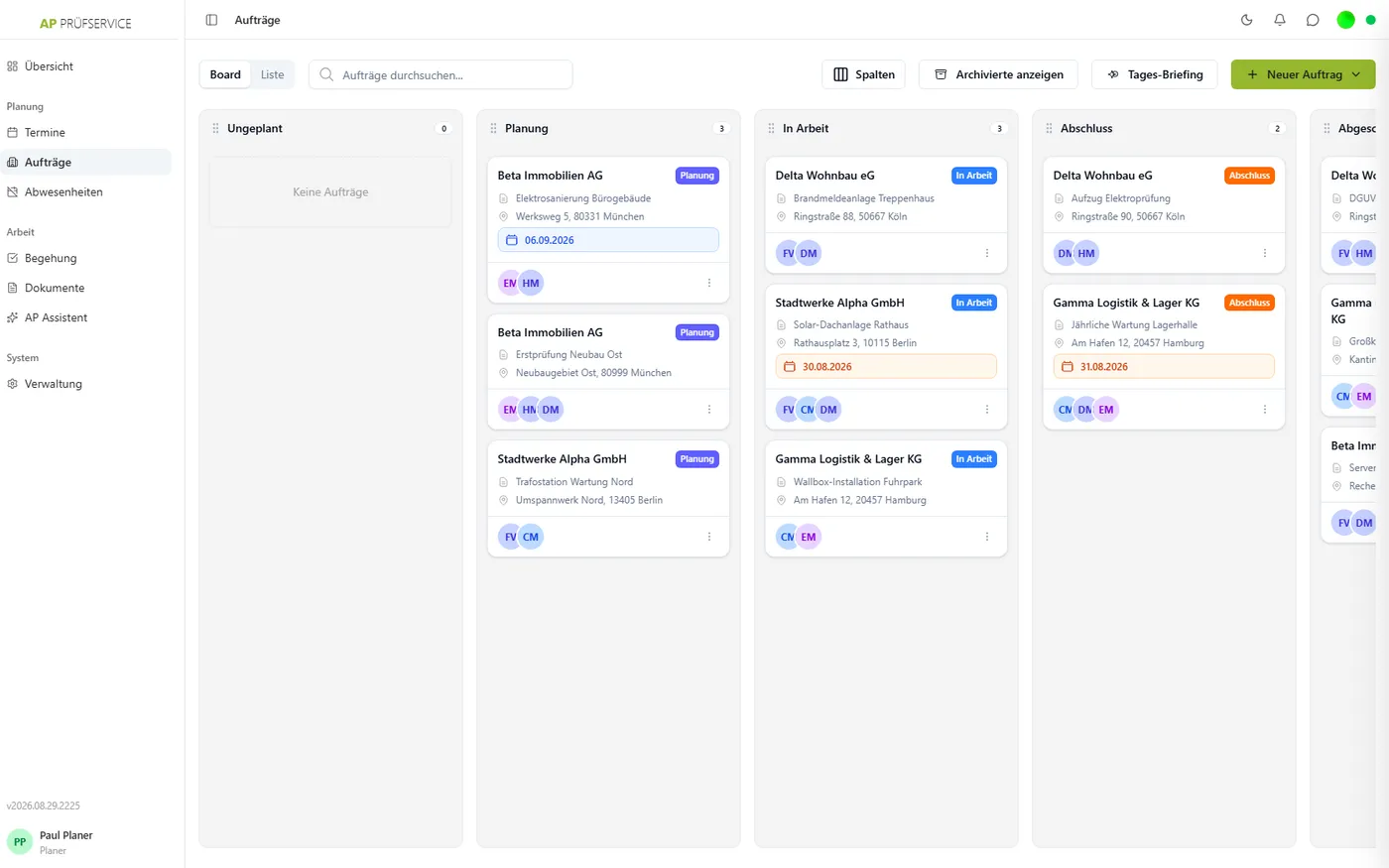
Plan jobs, record inspections on mobile devices and approve reports. T-NEX connects office and field teams, with offline recording and JTL-Wawi integration.
Learn moreBring a concrete task. Together, we will define what the application needs to do.
Discuss a back-office workflow