Workflow automation for companies
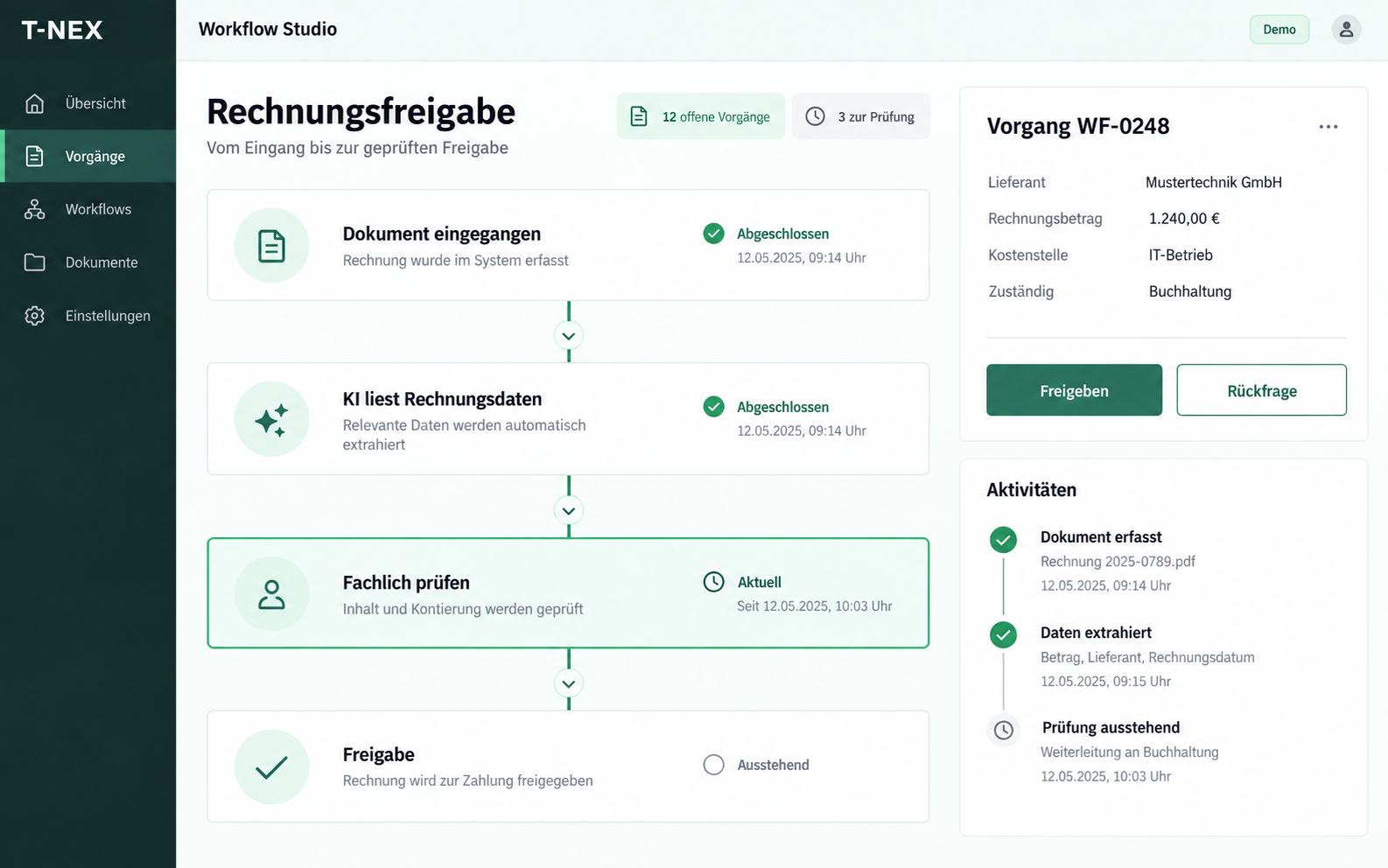
T-NEX develops custom workflows for requests and approvals, adapting existing components with suitable rules and evaluated AI steps.
Explore service
T-NEX identifies the information you need in your documents and passes it to the next processing step. Unclear passages are presented for review. Document AI connects incoming documents with your business applications and subsequent tasks.
Capture documents, review fields and pass data on in a controlled way: move documents into the next step.
The incoming document is assigned a type and working case. The fields to extract are defined for that type.
The processing task has a defined scope.
| Item | Description | Quantity |
|---|---|---|
| 01 | Item A | 12 units |
| 02 | Item B | Value unclear |
Prepared values are presented for review. Unclear entries remain open until checked against the document.
Uncertainty is visible before data moves on.
| Field | Suggested value | Review |
|---|---|---|
| Reference | AB-104 | Confirmed against source |
| Item 01 · quantity | 12 | Confirmed against source |
| Item 02 · quantity | Not accepted | Clarification required |
After the agreed review, the record moves to the next step. Target structure and interface are part of the specific setup.
Hand-off has a clear approval point.
Document type and case are defined
Query on item 02
In the agreed target structure
Start with a defined document type, specified output fields and an agreed review process. Recognition of arbitrary documents is not assumed.
Document AI combines text recognition, document classification and extraction of required information. T-NEX develops processing for a specific business workflow. A useful starting point could be a recurring order confirmation with defined references, line items and dates.
The goal is a reviewable data record for the next processing step. We define which values are actually required, where the original supports them and which decisions follow. Recognising text alone does not constitute business approval.
The project starts by reviewing the different layouts, languages and file quality expected at intake. For an order, relevant values might include a reference, date, line items and quantities; for a report, the associated asset and required evidence. Each document type receives an agreed target schema.
Difficult cases are included: poorly legible passages, several possible dates, missing values or conflicting information. These examples help determine where automatic handover is appropriate and where human review is needed.
A review interface should bring extracted values together with the corresponding document. Missing and unclear information is made visible rather than silently filled in. Domain staff can confirm or correct a proposal before it proceeds.
Plausibility and business matching are separate requirements. An amount can be formally valid and still belong to the wrong order. The business team therefore defines which references, totals or line items must be compared.
After review, data is output in the required structure. This may use a file handover or an API connection. Field mapping, required values and error responses are agreed against the intended target system.
Direct posting, order creation or approval is implemented only when explicitly included in the workflow. Accurate extraction does not replace authorisation checks or the target system’s business rules. Handover is therefore tested together with failure and retry cases.
| Step | Reviewable outcome |
|---|---|
| Classify | Document type and associated record |
| Extract | Required values linked to the original |
| Review | Confirmed values or a resolved exception |
| Transfer | Record in the agreed destination with a visible response |
Evaluation focuses on the required fields and document types. Measures can include correctly transferred values, missing information and manual correction effort. A single easy-to-read document is insufficient evidence for the future intake.
The benefit comparison also includes preparation, review and exception handling. Manual processing may remain appropriate for rare or highly varied cases. The pilot provides a basis for deciding which document workflow to expand.
OCR recognises text from images or scanned pages. Document processing adds identification of document types and fields, review and handover. The scope needed for your project is defined by its workflow.
A recurring document type with clear target fields and a reviewable expected result. Different layouts and typical failure cases should be included in the example collection.
No. Quality is measured against the agreed collection and required fields. Correction effort and incorrect assignments form part of the result, not just the number of recognised characters.
Available interfaces, permissions and data directions are reviewed. A specific connection becomes part of the agreed scope after that review.
T-NEX develops custom workflows for requests and approvals, adapting existing components with suitable rules and evaluated AI steps.
Explore serviceT-NEX built a back-office application for an electrical inspection provider, connecting enquiries, quotations, orders and inspection report reviews.
View referenceEvaluate one AI use case with T-NEX: limited scope, suitable data and agreed criteria for expansion or stopping.
Explore serviceBring a concrete task. Together, we will define what the application needs to do.
Discuss document processing